View and edit your account information

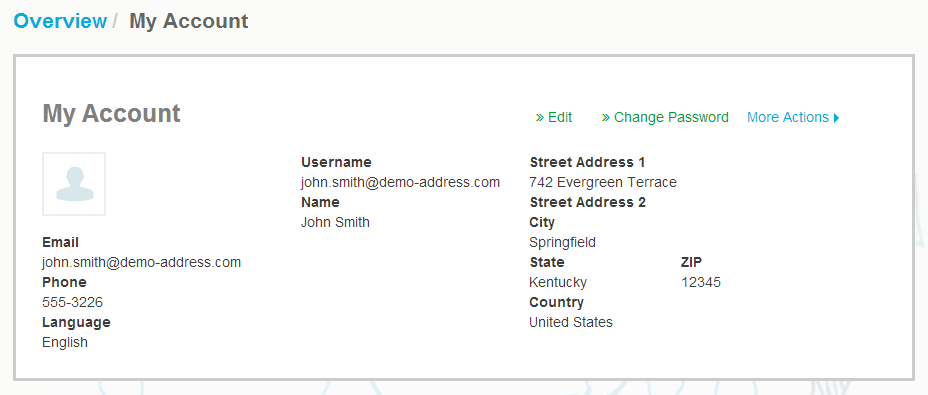
You can view and edit your user account information and change your password on the My Account page.

  1. On the top-right corner, click [Your Username] > My Account.
    The My Account page opens.
  2. Click Edit to edit your user information.
    Figure 1. My Account view
  3. Make the necessary changes to your user information.
    Your Username is your user account’s unique identifier in the service. Therefore, you cannot change or edit your Username.

    If an employee who uses Basware Portal leaves your company and you want to change the name of that employee's user account, you must instead Add a user to your organization.

    For descriptions of the fields on this page, see My Account.
  4. Click Save Changes to save any changes you have made, or click Cancel to discard them.