
Getting an overview of your business documents
The Documents page gives you an overview of all your business documents - invoices, purchase orders, and credit notes - and their statuses. You can manage your organization’s business documents on the Documents page. You can use the search form on top of the page to find documents, and the page is divided into several tabs to help you browse your documents with ease.
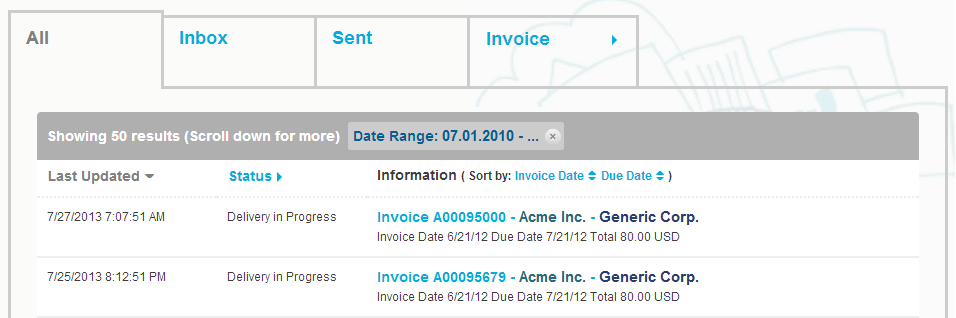
- All tab
- shows all the business documents that your organization has either sent or received.
- Inbox tab
- shows all the business documents that your organization has received.
- Sent tab
- shows all the business documents that you have sent to your business partners. The tab also shows the draft versions of all the business documents that you are working on.
- Business Document tab
- the rightmost tab on the page shows all business documents of a certain type that your organization has sent and received. Click the label of the tab to select which types of documents are shown on this tab.